

Overview
AI Audio Narration generates spoken audio from the text in your published lessons. It applies to text-based content inside Programs and collections and turns on automatically when you publish, no configuration required. Members can listen on the web or on the Disco mobile app, including while using other apps in the background.How It Works
When you publish a Program or add content to a collection, Disco queues the text for audio generation. Once ready, members see a Play Audio button in the content footer. If you edit a lesson after publishing, Disco automatically queues the narration for regeneration. Audio updates within approximately one hour of your last saved edit. If you make additional edits during that window, the regeneration timer resets.If you duplicate or clone a Program or lesson, the audio from the original carries over to the copy. After you finish editing the duplicated content, Disco will regenerate the audio to match the updated text, typically within one hour of your last change.
Listening to Narrated Lessons
Members can start listening from any text-based lesson.- Open a lesson inside a Program or collection.
- Click or tap Play Audio in the content footer.
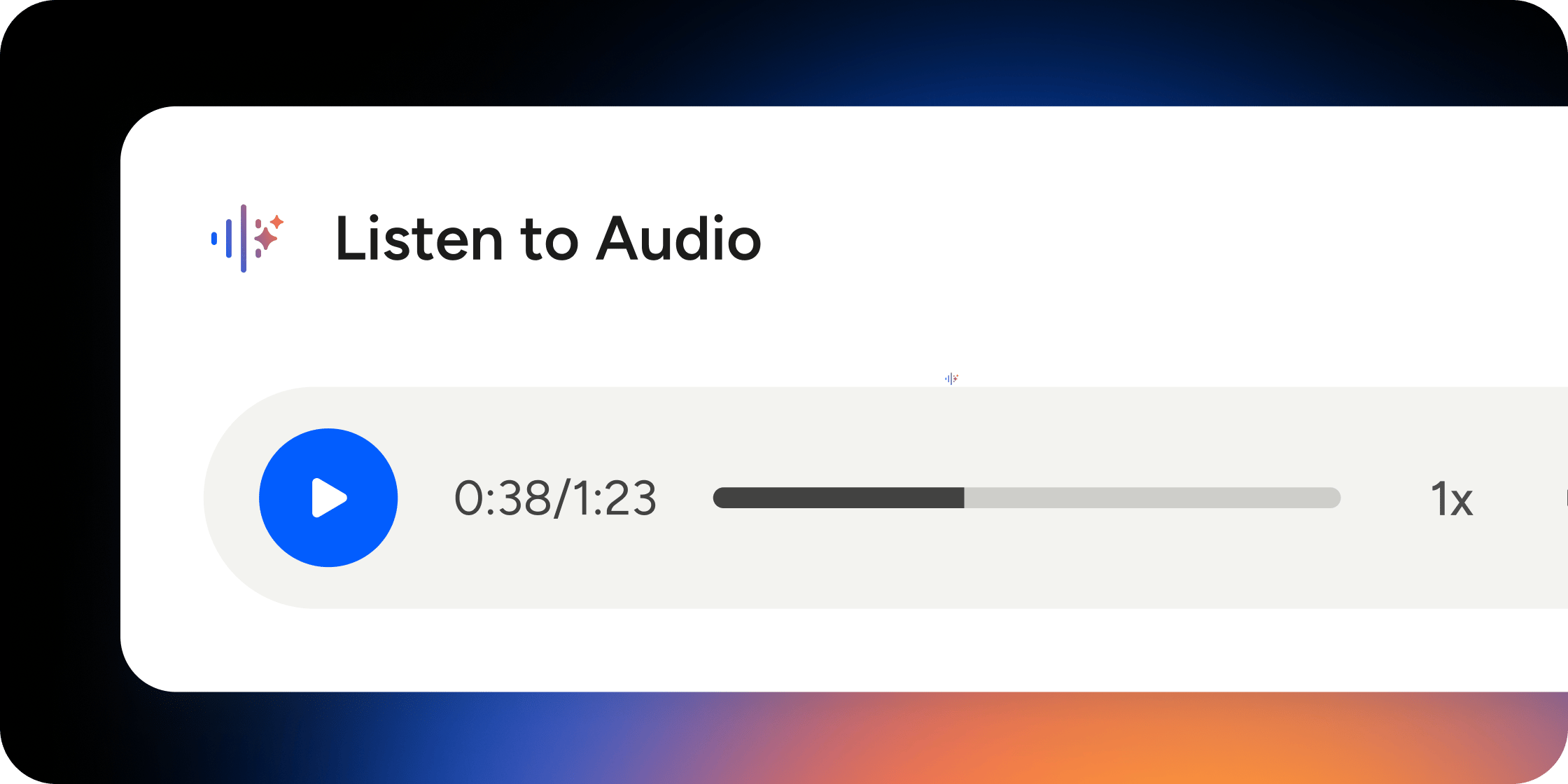
- Use the playback controls to pause, resume, adjust volume, or change playback speed.
Listening to narration does not automatically mark a lesson complete. Members still need to click Complete & Continue to progress through the curriculum.
What Content Gets Narrated
AI Audio Narration applies to text-based lesson content inside Programs and collections. The following content types are not narrated:- Embedded images
- Video
- Uploaded audio files
- Interactive elements such as quizzes and surveys
FAQ
Do I need to configure or turn on AI Audio Narration?
Do I need to configure or turn on AI Audio Narration?
No. AI Audio Narration is enabled by default across the platform. Audio is generated automatically whenever you publish text-based lesson content.
How long does it take for audio to become available after I publish?
How long does it take for audio to become available after I publish?
There may be a brief delay between publishing and the audio appearing. Members will see a loading indicator in the Play Audio button while audio is being generated.
How long does it take for audio to update after I edit a lesson?
How long does it take for audio to update after I edit a lesson?
Audio updates within approximately one hour of your last saved edit. If you continue editing during that window, each save resets the timer. Wait until you have finished all edits before checking the regenerated audio.
What happens to the audio when I duplicate or clone a Program or lesson?
What happens to the audio when I duplicate or clone a Program or lesson?
When you duplicate or clone content, the audio from the original is carried over to the copy. Once you finish editing the duplicated lesson, Disco will regenerate the audio to match the new content within approximately one hour of your last save.
Can members control playback speed?
Can members control playback speed?
Yes. Playback controls include pause, resume, volume adjustment, and speed adjustment.
Is background playback supported on mobile?
Is background playback supported on mobile?
Yes. Background playback is supported on the Disco mobile app. Members can switch to other apps and continue listening.
Does listening to narration automatically advance members through the curriculum?
Does listening to narration automatically advance members through the curriculum?
No. Members still need to click Complete & Continue to mark a lesson complete, even after listening to the full narration.
Can I choose a different voice for narration?
Can I choose a different voice for narration?
Not currently. Narration is generated in a single AI-selected voice. Custom voice selection, multi-voice narration, and multilingual translation are not currently supported.
Does AI Audio Narration support multiple languages?
Does AI Audio Narration support multiple languages?
Multilingual narration is not currently supported. Audio is generated in a single language based on the text content.
What about podcast episodes and uploaded audio files?
What about podcast episodes and uploaded audio files?
Uploaded audio files are not narrated by AI Audio Narration. Podcast episodes and recorded sessions are managed separately through the Audio Content Support feature.
Is AI Audio Narration available on the Disco mobile app?
Is AI Audio Narration available on the Disco mobile app?
Yes. Members can listen to narrated lessons on the Disco mobile app, with background playback supported.