

Overview
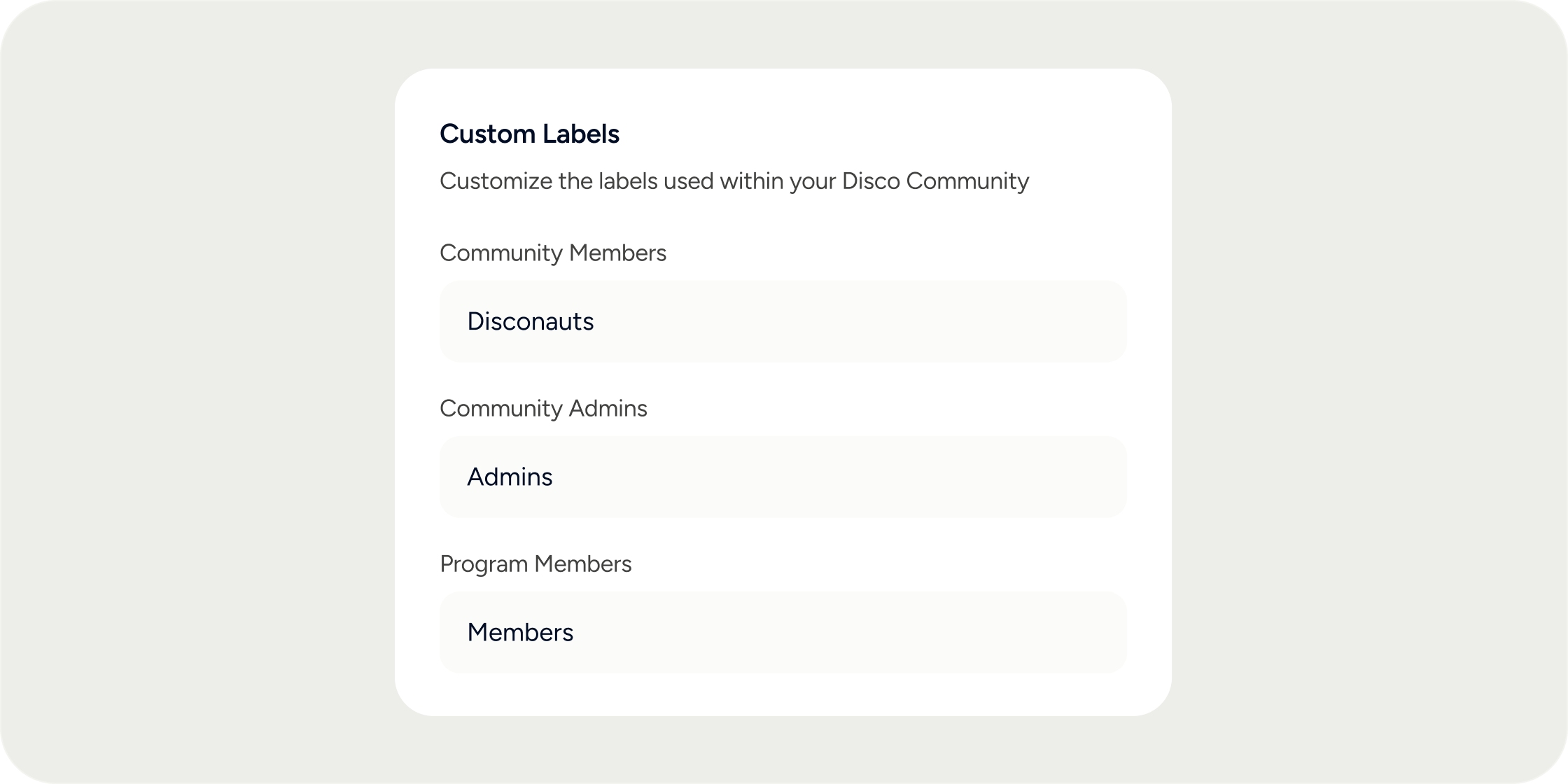
Disco uses default terms throughout the platform: “Product,” “Curriculum,” “Member,” and others. Labels let you swap these defaults for any words that fit your academy’s identity. Once saved, your custom terms appear globally across in-app text, email notifications, and the mobile app. Only admins can edit labels. There is no limit on how many labels you change.Customize Your Labels
- In the left navigation of the Admin Dashboard, select Appearance.
- Click Labels.
- Enter your preferred term in each field you want to change.
- Click Save.
Available labels
Disco lets you customize the following labels: Program-level roles
Academy-level roles
Content terminology
How Labels Work
Enter each label in its singular form only. Disco automatically generates the plural wherever it is needed. For example, entering participant produces “participant” in singular contexts and “participants” in plural contexts. Labels are capitalized by default. Enter a lowercase term if you want it to appear lowercase across the platform. Custom labels propagate throughout the platform, including:- In-app text and navigation
- Email notifications
- Mobile app
FAQ
Do I need to enter both the singular and plural forms of a label?
Do I need to enter both the singular and plural forms of a label?
No. Enter only the singular form. Disco infers and applies the plural automatically wherever it appears in the platform.
Are labels case-sensitive?
Are labels case-sensitive?
Labels are capitalized by default. If you enter a lowercase term, Disco displays it in lowercase throughout the platform.
What characters are supported in a label?
What characters are supported in a label?
Labels must use English characters only. Special characters and non-English text are not supported.
Do custom labels update everywhere in the platform?
Do custom labels update everywhere in the platform?
Custom labels update throughout most of the platform, including in-app text, emails, and mobile. Some notification messages and system-generated text may still display the default term in specific locations. If you notice a label not updating somewhere, contact Disco support.
Can I customize the Instructor or Manager label through Roles as well?
Can I customize the Instructor or Manager label through Roles as well?
Yes. Role names can also be updated individually by navigating to Admin > Members > Roles, selecting the role, and editing the Custom Name field. This updates the label for that specific role across the academy. For a global vocabulary change, use Admin > Appearance > Labels instead.
What is the difference between updating a label in Appearance and updating a role name in Members?
What is the difference between updating a label in Appearance and updating a role name in Members?
Both affect how role names appear in the platform, but they operate differently. Appearance > Labels sets the global default term for all roles of that type. Members > Roles > Custom Name lets you rename a specific role. If you need a single, consistent term everywhere, use Appearance > Labels.
Can I reset a label back to the default?
Can I reset a label back to the default?
Clear the custom text from the label field and save. Disco reverts to the original default term.
Can I use a label that is two words, like "Learning Path"?
Can I use a label that is two words, like "Learning Path"?
Yes. Multi-word labels are supported. Enter the full phrase in singular form and Disco will apply it across the platform.