

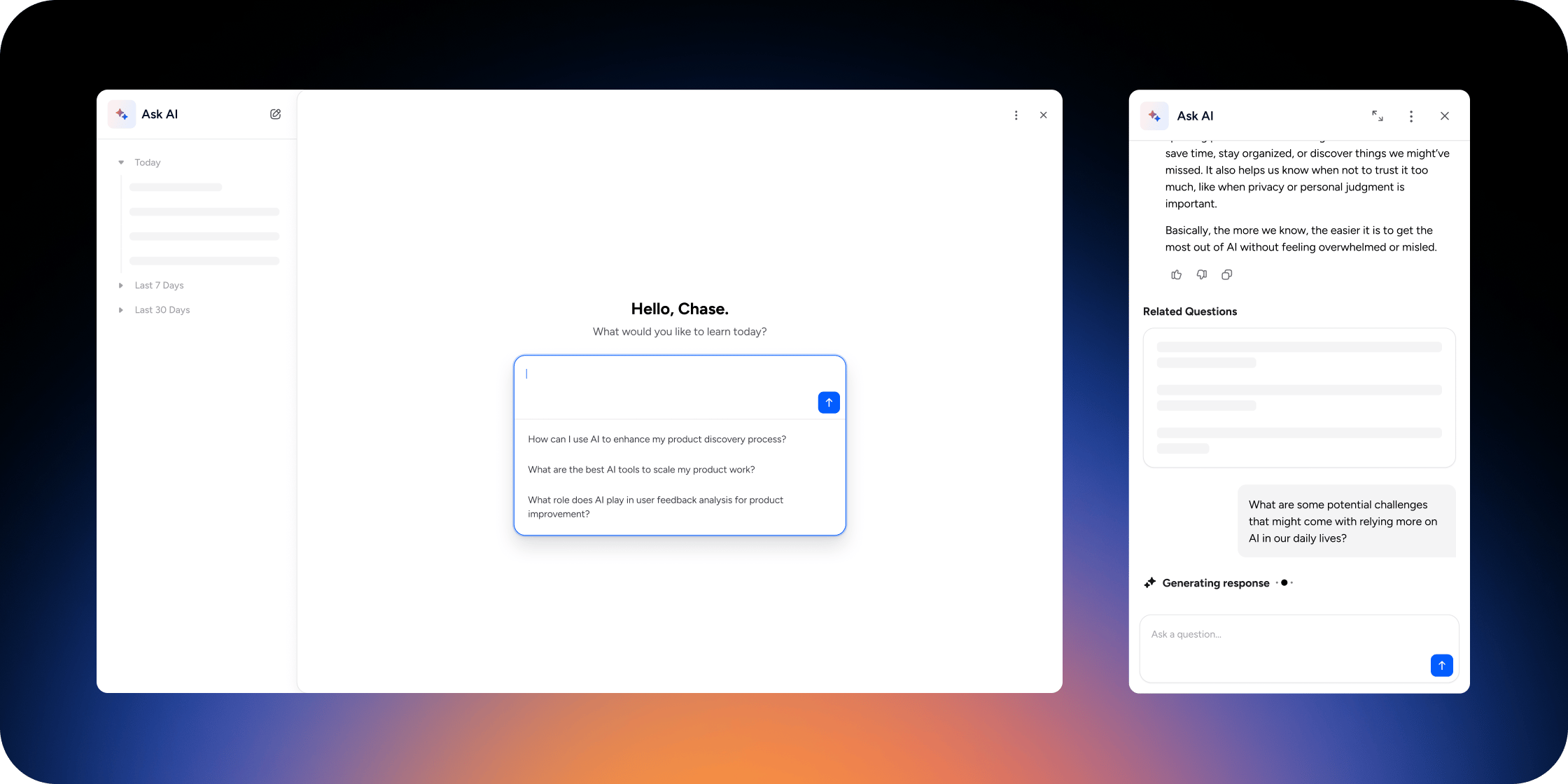
How Ask AI actually works
Before diving into prompting tips, it helps to understand what Ask AI is doing when you ask it something. When you submit a query, Ask AI searches your community’s content (programs, documents, channel conversations, event recordings, and any additional sources your operator has connected), and tries to anchor its response in what it finds there. If your question gives it enough signal to find the right content, you get a focused, relevant answer. If your question is vague, AskA I may not retrieve the right content, and the response will be more generic as a result.Depending on how your operator has configured the community, Ask AI may also have access to two additional sources: its own pre-trained knowledge base, and the current web. When web search is enabled, Ask AI can pull in up-to-date information beyond what lives in your community. This is useful for topics where recency matters. Your community’s content still takes priority, but knowing what Ask AI has access to helps you understand where a given response is coming from. That’s the core dynamic. Ask AI’s quality isn’t fixed, it shifts with the detail included in your question.
For members: writing prompts that work
Ground your question in what you’re doing right now
Generic questions produce generic answers. Connecting your question to a specific program, lesson, or goal gives Ask AI the signal it needs to find the right content in your community. Examples:Tell AskAI what kind of help you actually want
There’s a difference between wanting a summary, a step-by-step walkthrough, an explanation of a concept, or a recommendation for what to do next. Naming what you need shapes the response. Examples:Reference the specific program or content you’re working in
Ask AI only draws from content you have access to, and it searches more effectively when you name the program or topic you’re focused on. Think of it as pointing Ask AI toward the right shelf before asking it to find the book. Examples:When Ask AI cites sources, pay attention
Citations are Ask AI showing its work. When it surfaces a source alongside a response, it’s signaling what content it drew from to reach its answer, which tells you something useful about how it interpreted your question. If a cited source feels unexpected or tangential, treat that as a conversation starter rather than a dead end. Asking Ask AI to explain the connection often produces a more useful next response, because your follow-up gives it more context about what you’re actually looking for. Useful follow-up patterns for citations:- “Why is this source relevant to my question?”
- “What part of this source applies to what I asked about [topic]?”
- “Is there something in this community that’s more specific to [my situation]?”
- “You cited [source]. Can you show me how that connects to [what I’m working on]?”
Ask follow-up questions to go deeper
AskAI holds context from earlier in your conversation. If an answer is close but not quite right, follow up rather than starting over. Useful follow-up patterns:- “Can you be more specific about [X]?”
- “Can you give me an example of that from the program content?”
- “That’s helpful. Now apply it to [my specific situation].”
- “What in this community goes deeper on that topic?”
For operators: helping your members succeed with Ask AI
As a program administrator, you directly influence how well Ask AI performs for your members, through the content you build into your community, and the guidance you give members upfront.Write a clear community description
AskAI uses your community’s name and description as part of its foundational context. A vague description means Ask AI starts every conversation with less to work with. A strong description tells Ask AI who your members are, what they’re trying to accomplish, and what kind of support is most relevant. Your community description should answer:- Who are your members, and what stage are they at?
- What is this community designed to help them achieve?
- What tone and approach fits your community?
Connect and curate your content sources
Ask AI indexes what’s in your community. The more complete and well-organized your content, the better Ask AI can retrieve relevant material when members ask questions. A few practices that help:- Keep program content current. Outdated lessons produce outdated answers.
- Add supplementary sources intentionally. Ask AI can index public URLs and connected knowledge bases (Notion, Zendesk, Pylon). Add sources that directly support your members’ goals, not just general reference material.
- Use descriptive titles and clear structure. AskAI retrieves content based on relevance to the query. Content with clear titles and organized structure is easier to surface than loosely labeled files.
Set expectations with your members early
The single most effective thing you can do is tell members what Ask AI is designed to do before they use it for the first time. Members who arrive with accurate expectations ask better questions and report higher satisfaction with the feature. Consider adding a short orientation note in your onboarding program or welcome content. Something as simple as: “Ask AI is your learning co-pilot inside this community. It’s designed to answer questions grounded in our programs and resources. The more specific your question, the better the answer. Try asking it about something you’re working on right now.”Use Ask AI to reinforce your curriculum
Ask AI works best as a bridge between what members have already encountered in your programs and what they’re trying to apply. Encourage members to use it at specific moments, such as after completing a module, before a live session, or when they’re stuck on an assignment, rather than as a general-purpose tool. Framing it as “the assistant that helps you apply what you’re learning here” keeps members anchored in your content and produces better responses for them.Quick reference: prompt patterns that work
A note on what Ask AI won’t do well
Understanding Ask AI’s constraints helps you work with AskAI more effectively. Ask AI won’t give you great answers when:- Your question is too broad to retrieve specific community content (“Tell me everything about marketing”)
- The topic isn’t covered in your community’s programs or connected sources
- You’re looking for real-time information or data that changes frequently