

Overview
Ask AI helps members find answers without searching through programs, lessons, or documentation manually. Each member sees responses based only on the content they have access to, so private or unpublished content is never used in answers. Setup takes about five minutes and requires admin access.Set up Ask AI
Configure Ask AI before enabling it for members so you can preview behavior, choose sources, and add prompts that guide member questions.- Go to Admin → Disco AI.
- Click Edit to open the Ask AI settings modal.
- Open the Details tab and:
- Enter a
nicknamefor Ask AI. This is the name members see. - Choose whether to show suggested prompts globally, in content, or both.
- Add the prompts you want to surface to members.
- Enter a
- Open the Sources tab and:
- Select the content sources Ask AI can use.
- Turn Web Search off if you want responses limited to your Academy content only.
- Click Preview in the top right of the settings modal to test Ask AI before launch.
Enable Ask AI for members
- Go to Admin → Disco AI.
- Turn on the toggle for Ask AI.
- Click Yes, Enable Ask AI.
- Choose whether to enable Ask AI on the For You page. This places an Ask AI input in the Hero block.
How members ask questions
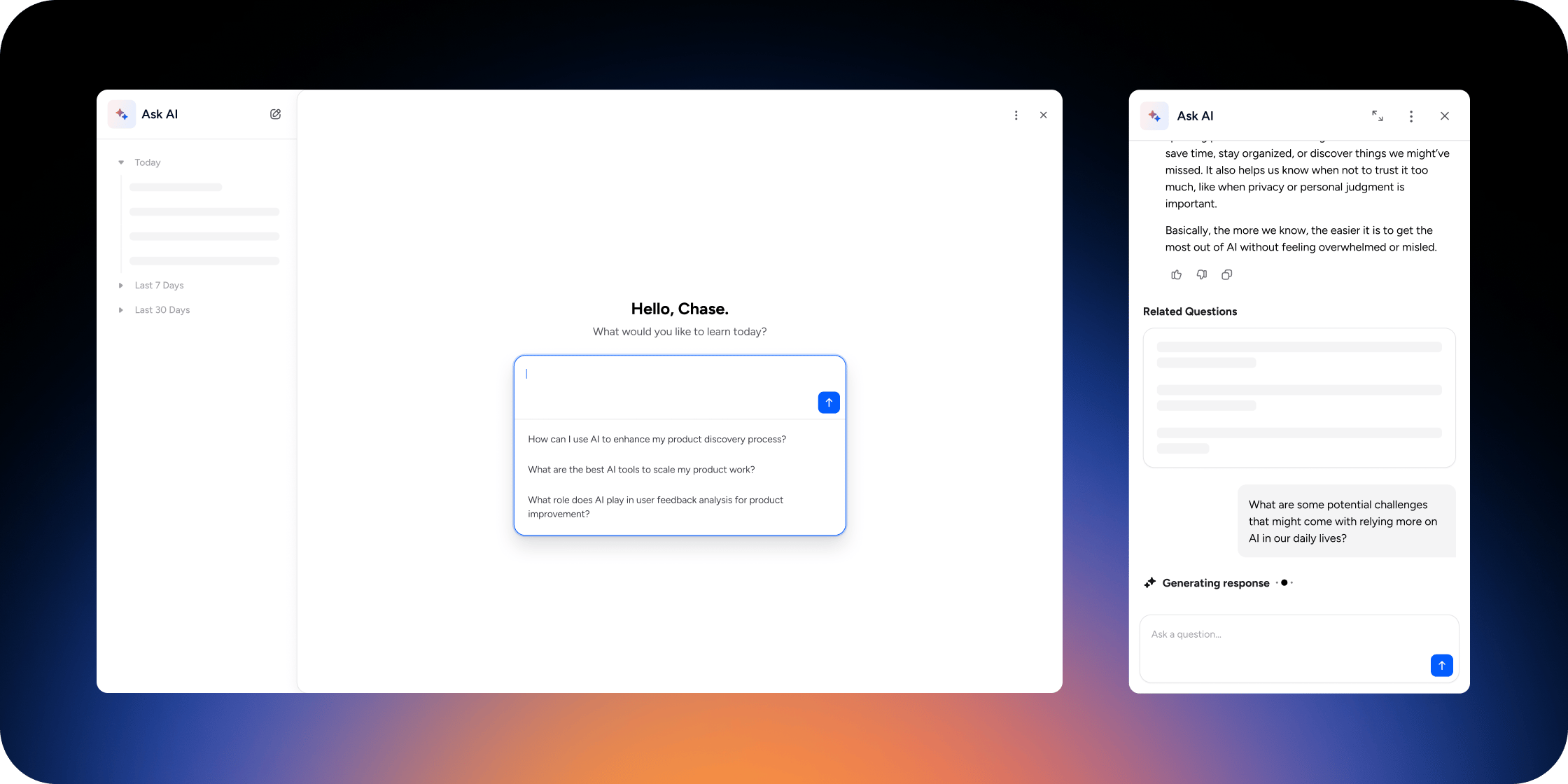
Members can open Ask AI in three places:- Global Ask AI drawer: Click the Ask AI icon in the upper right corner.
- Inside a lesson (text or video): Click the Ask AI star icon to open a side panel.
- For You page: Use the Ask AI input in the Hero Banner, when enabled.
- Enter the question in the
Ask a questionbox and pressEnter. - Review the response, linked sources, and related questions.
- Continue the conversation, or give feedback with thumbs up or thumbs down.
Add Ask AI to the For You page
- Add or edit the Hero block on the For You page.
- In the Hero block settings, enable Ask AI.
- Click Save.
View Ask AI engagement
- Go to Admin → Disco AI.
- Review:
- Number of members who used Ask AI
- Total questions asked
- Thumbs up and thumbs down feedback
- Engagement trends over time
FAQ
Is my data used to train AI models?
Is my data used to train AI models?
No. Disco only uses the sources you provide to generate responses in your Academy. Your data is not sent to model providers like OpenAI for training purposes.
Can Ask AI use unpublished content?
Can Ask AI use unpublished content?
No. Ask AI only generates answers from content the member can access. Private or unpublished content is never used.
Are answers real-time?
Are answers real-time?
Yes. Answers are generated instantly from your current content.
Does Ask AI work in other languages?
Does Ask AI work in other languages?
Yes. Asking a question in another language generally returns an answer in that language. Language coverage depends on the underlying model providers like OpenAI.
Can members use Ask AI on mobile?
Can members use Ask AI on mobile?
Yes. Ask AI is available on web, mobile web, and the Disco mobile app.
Can I customize the answers Ask AI gives?
Can I customize the answers Ask AI gives?
No. Answers are generated automatically. You can influence them by improving your content sources and refining your suggested prompts.
Can I enable Ask AI for some members and not others?
Can I enable Ask AI for some members and not others?
No. Ask AI is either on or off for the entire Academy.
Can members see other members' questions?
Can members see other members' questions?
No. Conversations are private to each member.
Can I export Ask AI data?
Can I export Ask AI data?
Yes. Go to Admin > Insights > Ask AI, then select Export CSV. The export respects the report’s active filters and sort order and includes conversation-level metrics, but not Member identity or transcript text. Larger exports are processed in the background and sent by email when ready.
Why does Ask AI return "no context" for content I know exists in my Academy?
Why does Ask AI return "no context" for content I know exists in my Academy?
Ask AI is permission-aware. If the post or program lives in a restricted area the asking member cannot access, Ask AI will not surface it. Confirm the member has access to the program or member group where that content lives, and confirm the content is included as a source on the Sources tab.
How does Disco AI prevent hallucinations?
How does Disco AI prevent hallucinations?
Disco uses trusted foundation models like those from OpenAI, with custom system instructions and conservative model settings (such as temperature) to keep responses grounded in your sources. Disco continuously reviews AI output using human evaluators and automated review systems to identify patterns and improve accuracy over time.